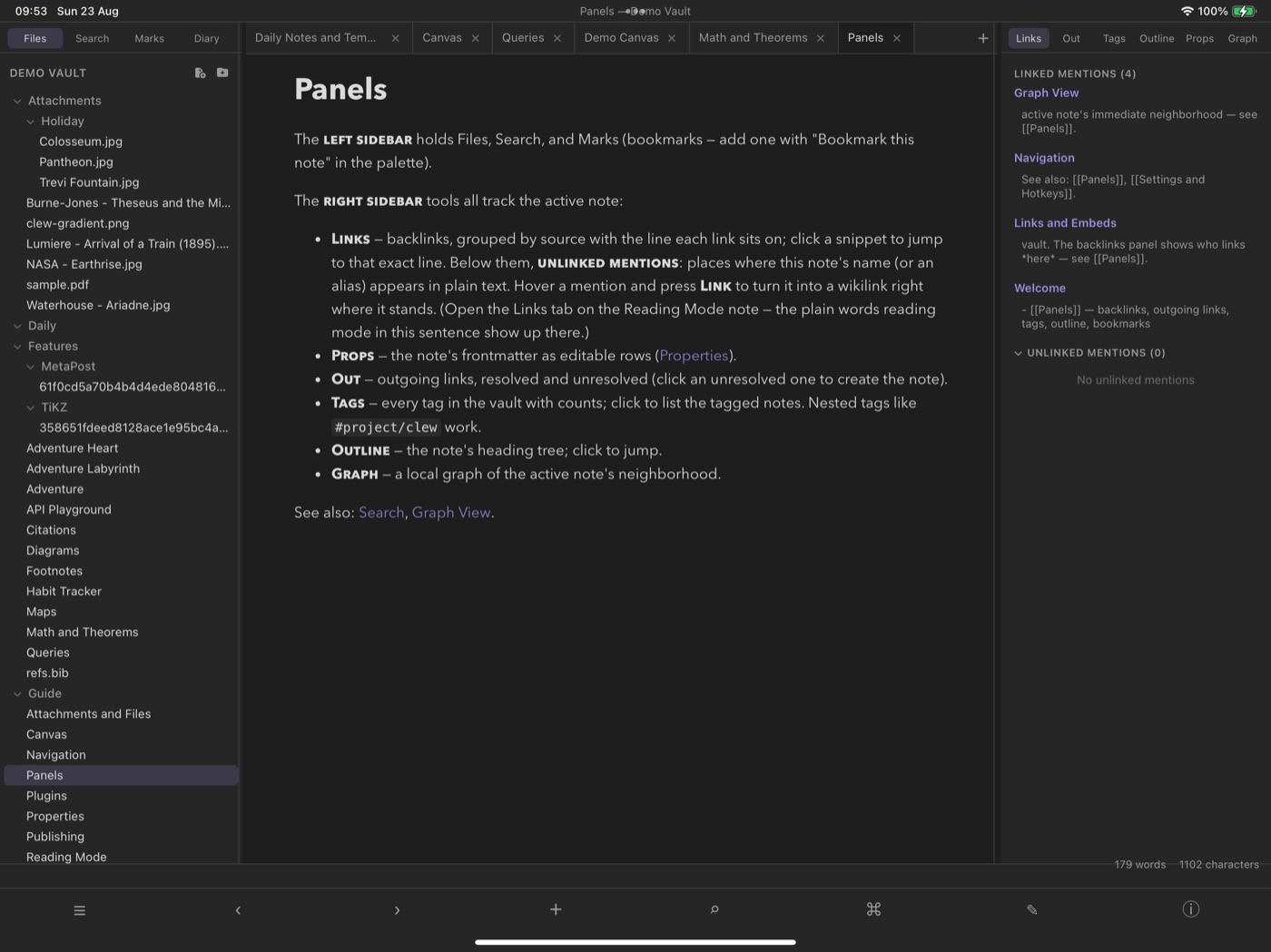
Draw on the canvas with an Apple Pencil
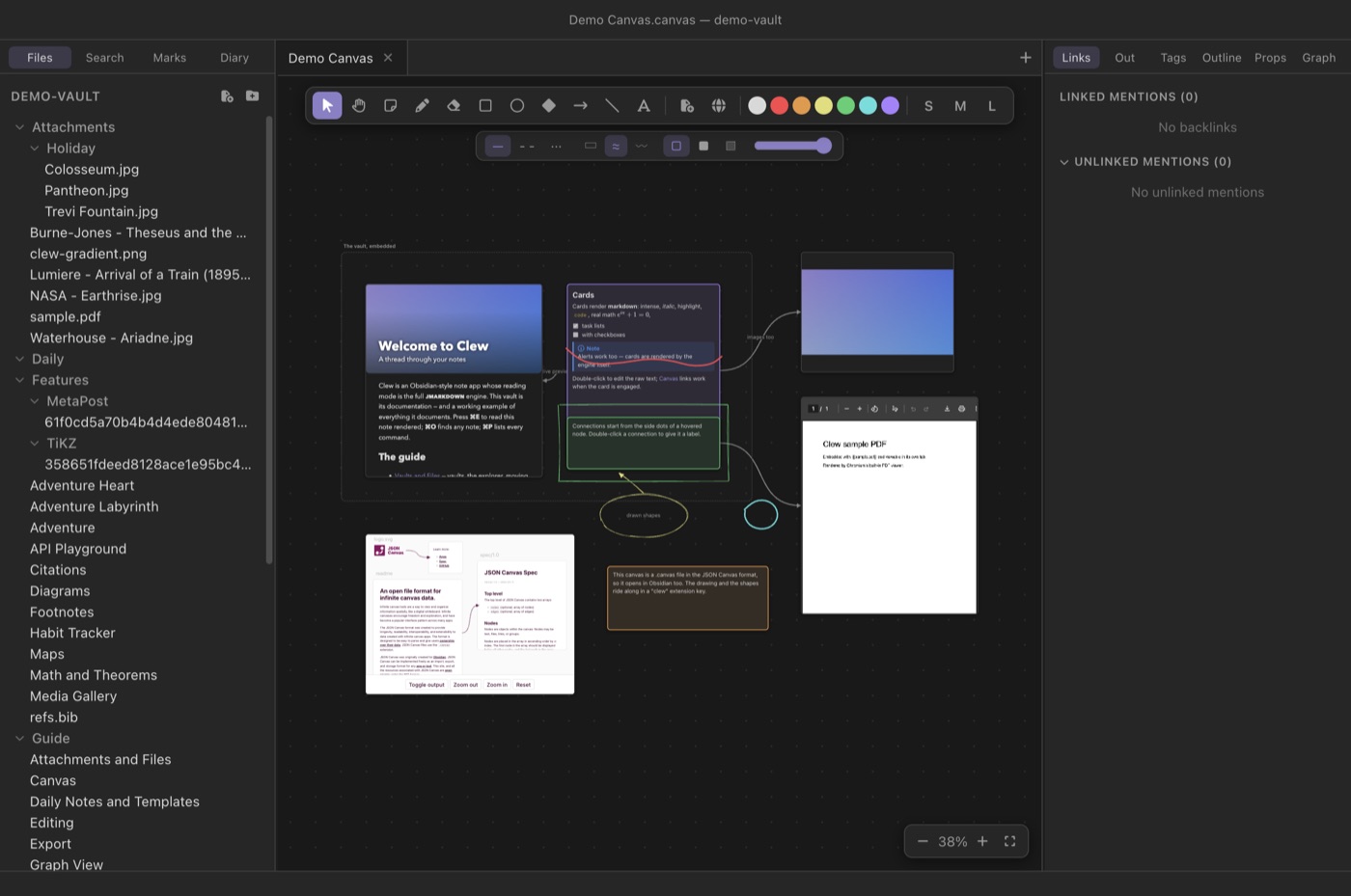
Clew's canvas has always stored ink strokes as first-class data,
in a JSON Canvas file Obsidian can still open. On iPad you now
write those strokes with a Pencil, and pan and pinch-zoom the
scene with two fingers — then open the same
.canvas file on your Mac and find your handwriting
waiting in it.
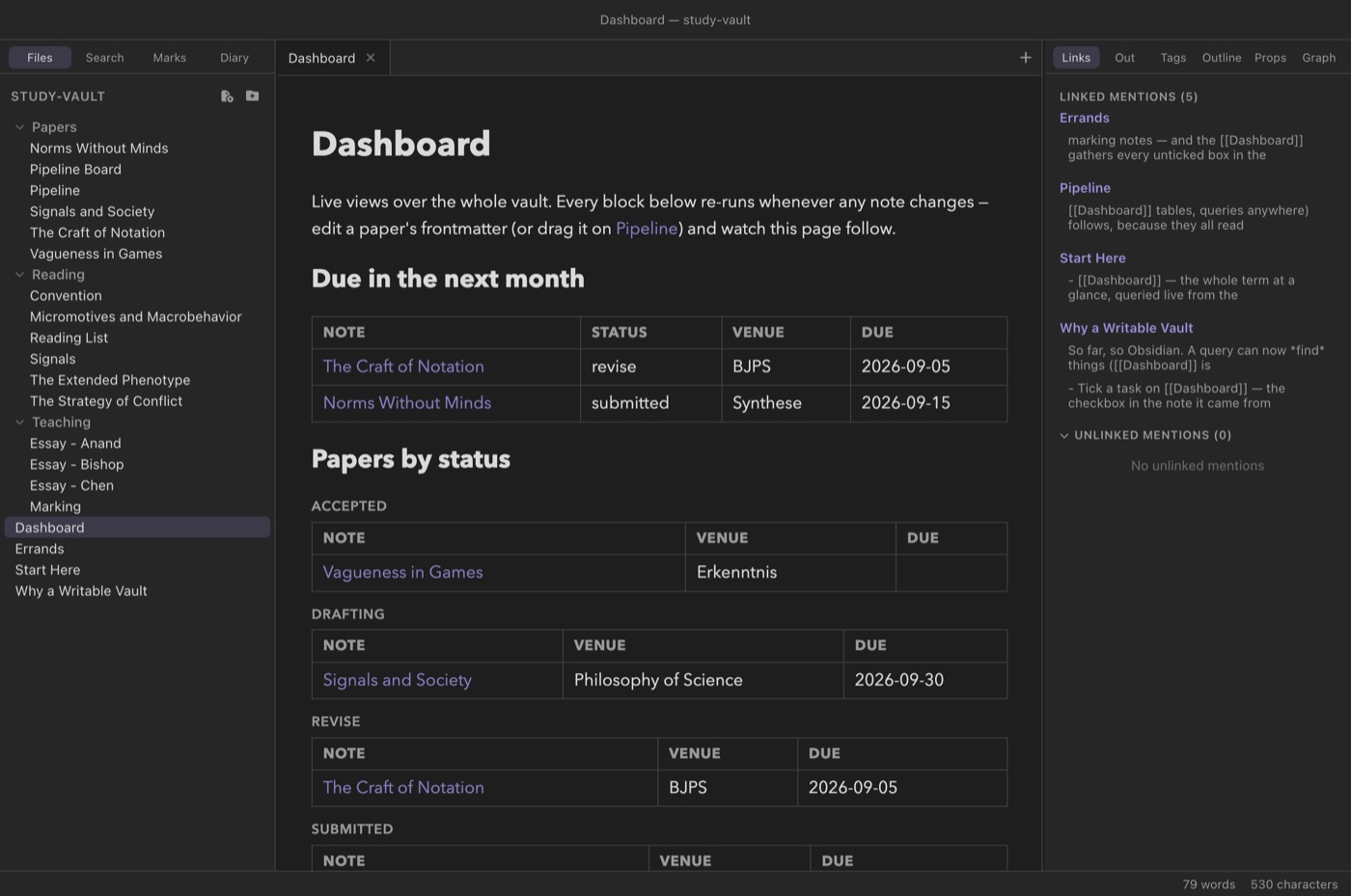
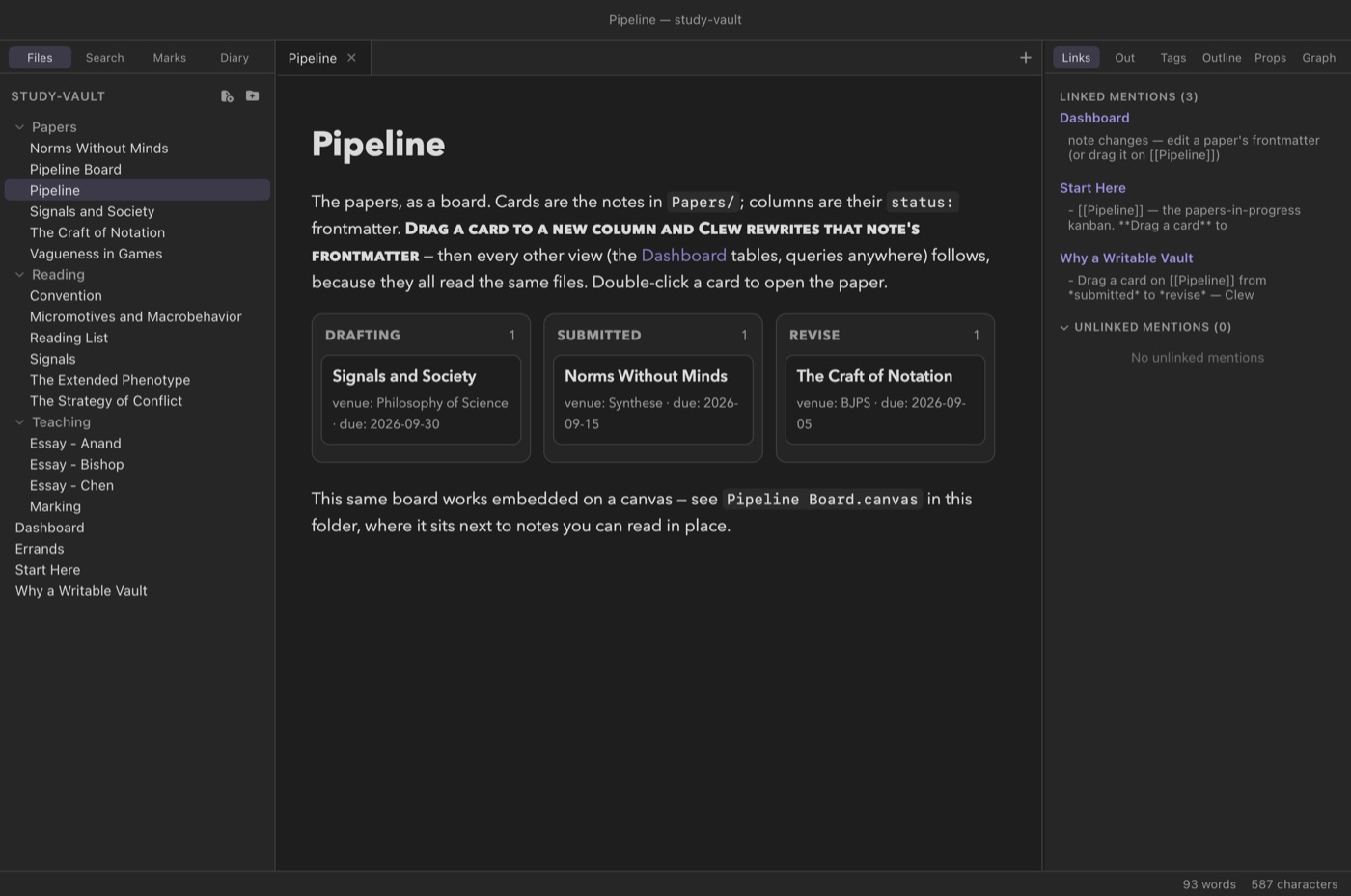
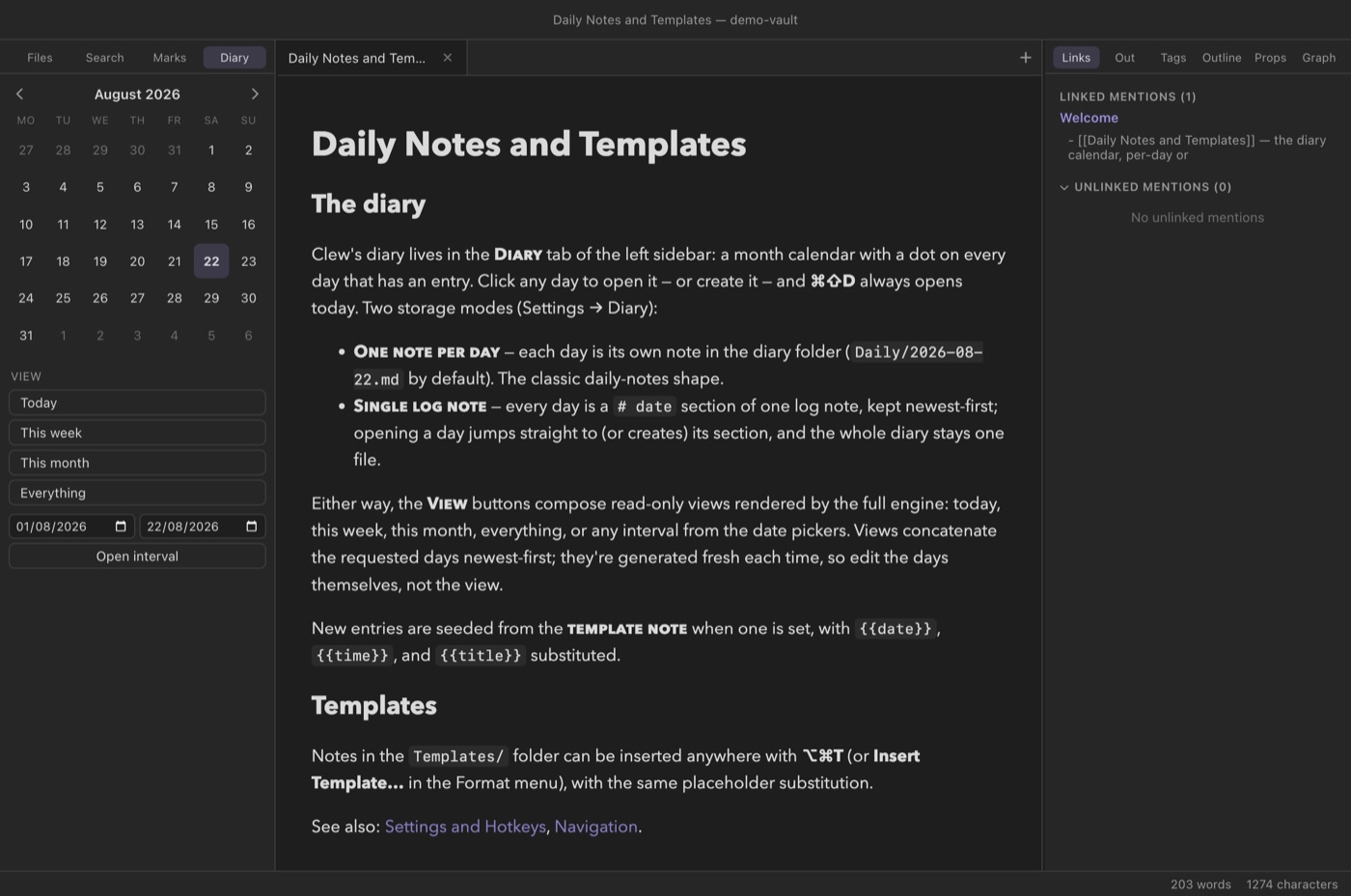
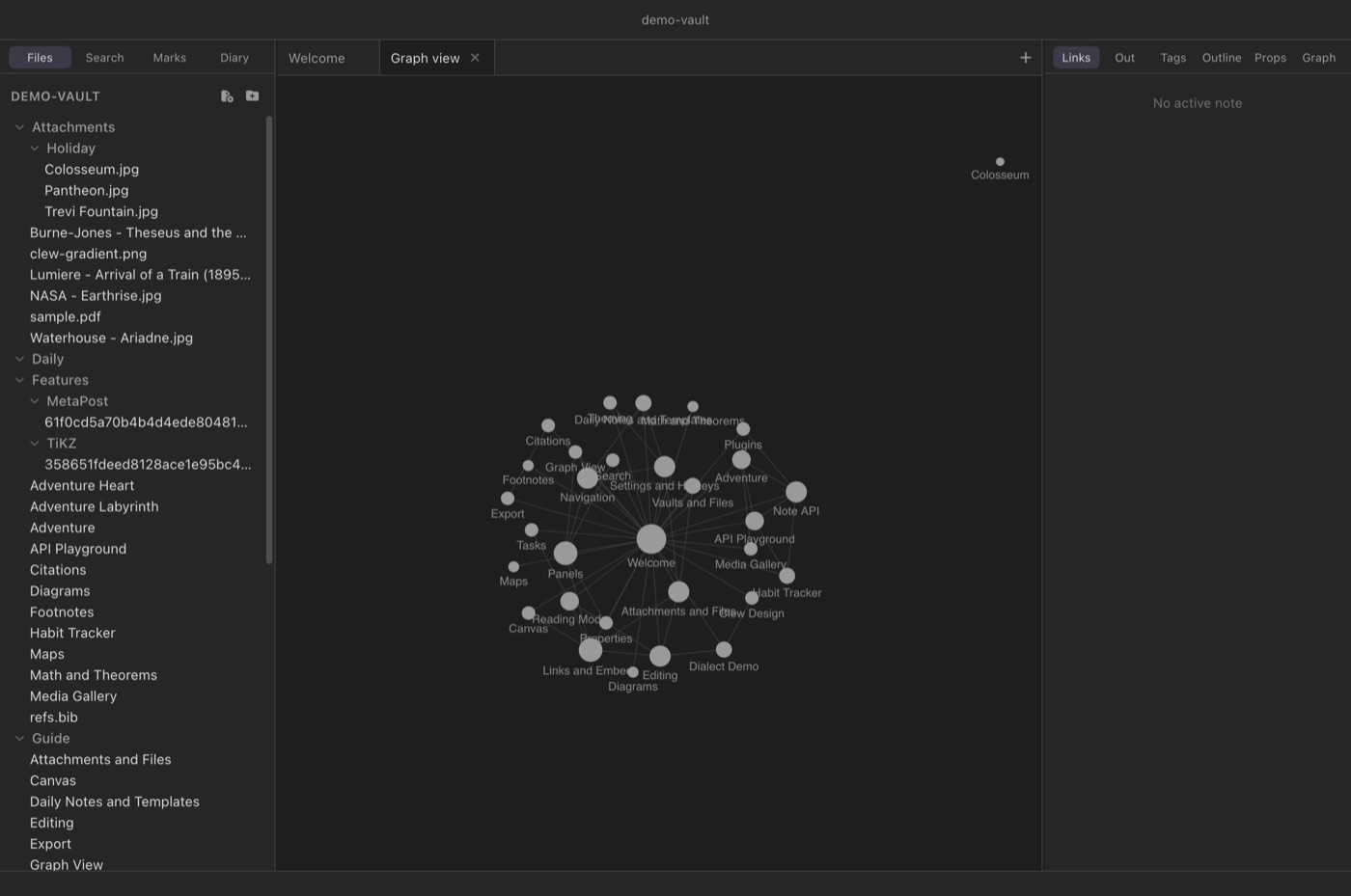
The touch layer is native where it needs to be: sidebars become
overlay drawers on compact widths, long-press opens the context
menus, and a toolbar carries the commands a menu bar used to.
Vaults live in the Files app, so iCloud or any file provider
can carry them.
Status: in beta on TestFlight. Clew for iPad
runs on real hardware and is being tested through Apple's
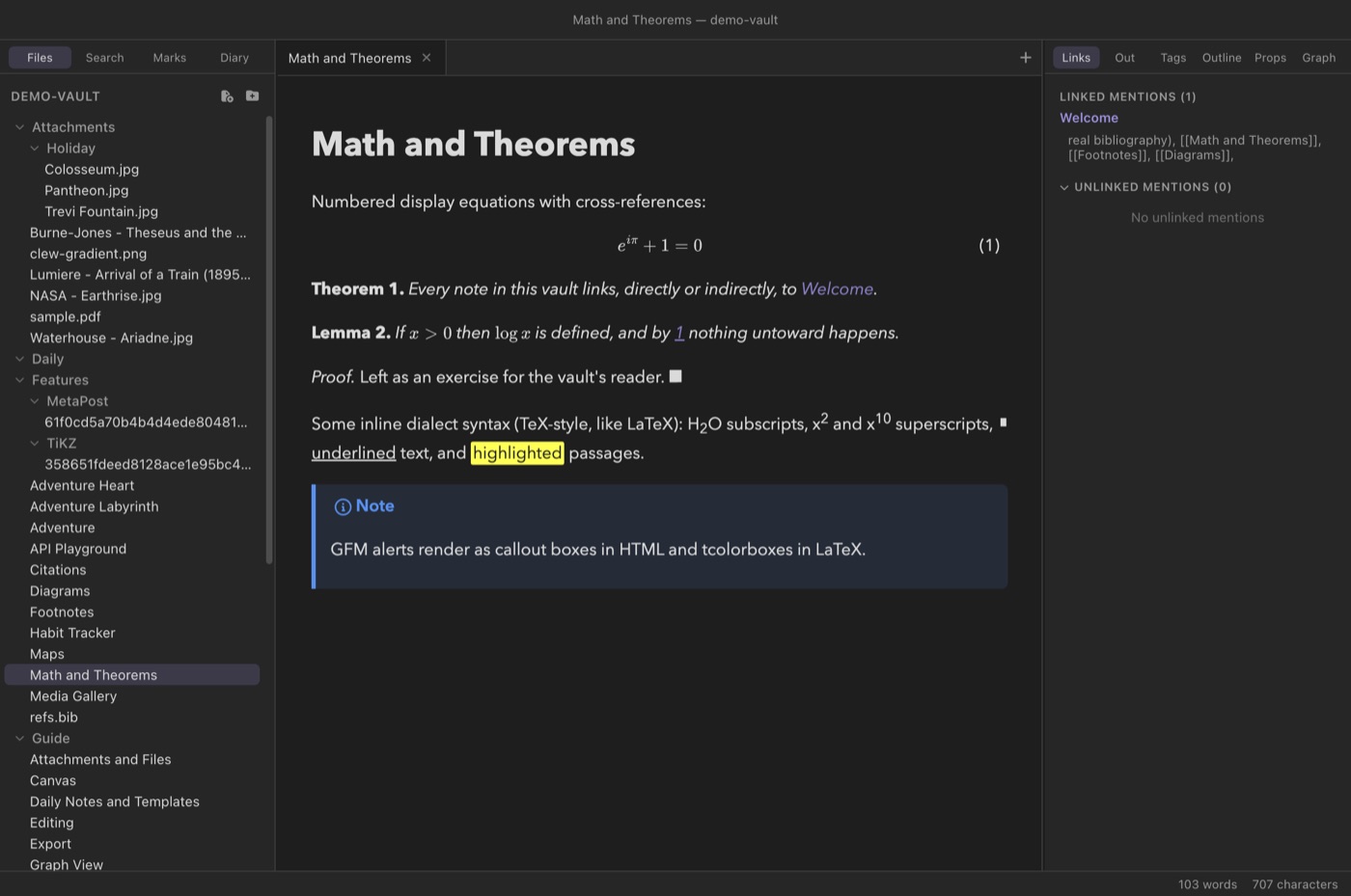
TestFlight. The diagrams cross with it: TikZ, MetaPost, LaTeX
and plain TeX typeset on the iPad by the same WebAssembly
engines, with nothing to install — and note history, foldable
embeds, global plugins and the reading-view PDF export are all
there. Two things stay desktop-only because they shell out to
external toolchains: Mathematica blocks and the LaTeX/PDF
export. To try the beta,
ask
for an invitation; a public TestFlight link will appear
here when the open beta starts.